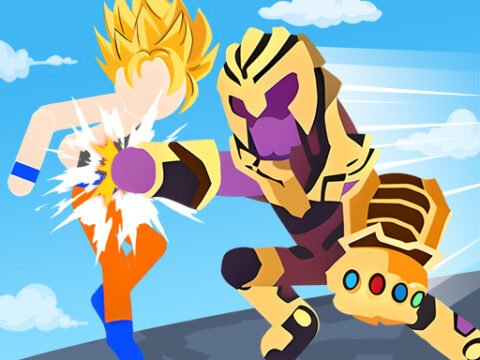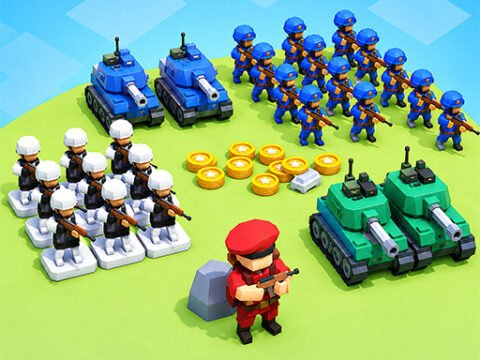
Stickman Simulator Final Battle belongs to the same family as the battle-simulator games you’ve seen in a hundred clips: you place an army, press start, and then watch, powerless, as your plan either works or falls apart. All of it runs on the mouse alone.
Each battle starts with a placement grid in the center of the screen. Your available units sit in the top-left corner, your resources on the right, and you spend those resources filling slots however you think best — pile everything into a front wall, spread wide, hold some back. Then the fight plays out on its own, and this is where the game earns its keep: watching where your line broke tells you exactly what to change next attempt.
Win, and you collect new resources and units for a bigger battle. It’s less about reflexes than any other game on this site, and more about the quiet satisfaction of a formation that finally holds.
How to play Stickman Simulator Final Battle
Click a unit icon in the top-left corner, then click an open slot on the center grid to place it. Your resources on the right side limit how many units you can field. Once you've placed everyone, start the battle — the armies fight on their own, and defeating every enemy unlocks the next fight with new resources.
Controls
- Left mouse button Select a unit (top-left icon)
- Left mouse button Place it on an open grid slot
- Start button Begin the battle
Tips
- Spend everything before starting — unspent resources win nothing
- Put cheap units up front to absorb the charge and stronger ones behind
- When you lose, watch which side of your line folded first and reinforce exactly there
- Don't copy one winning formation forever; enemy forces change and yesterday's wall has gaps today